
Music Production Guides / Cinematic music
Start by deciding which change on screen deserves music. On an empty platform, a distant light can appear before the person waiting has understood what it means. Hitting the light and hitting the recognition are two different musical decisions.
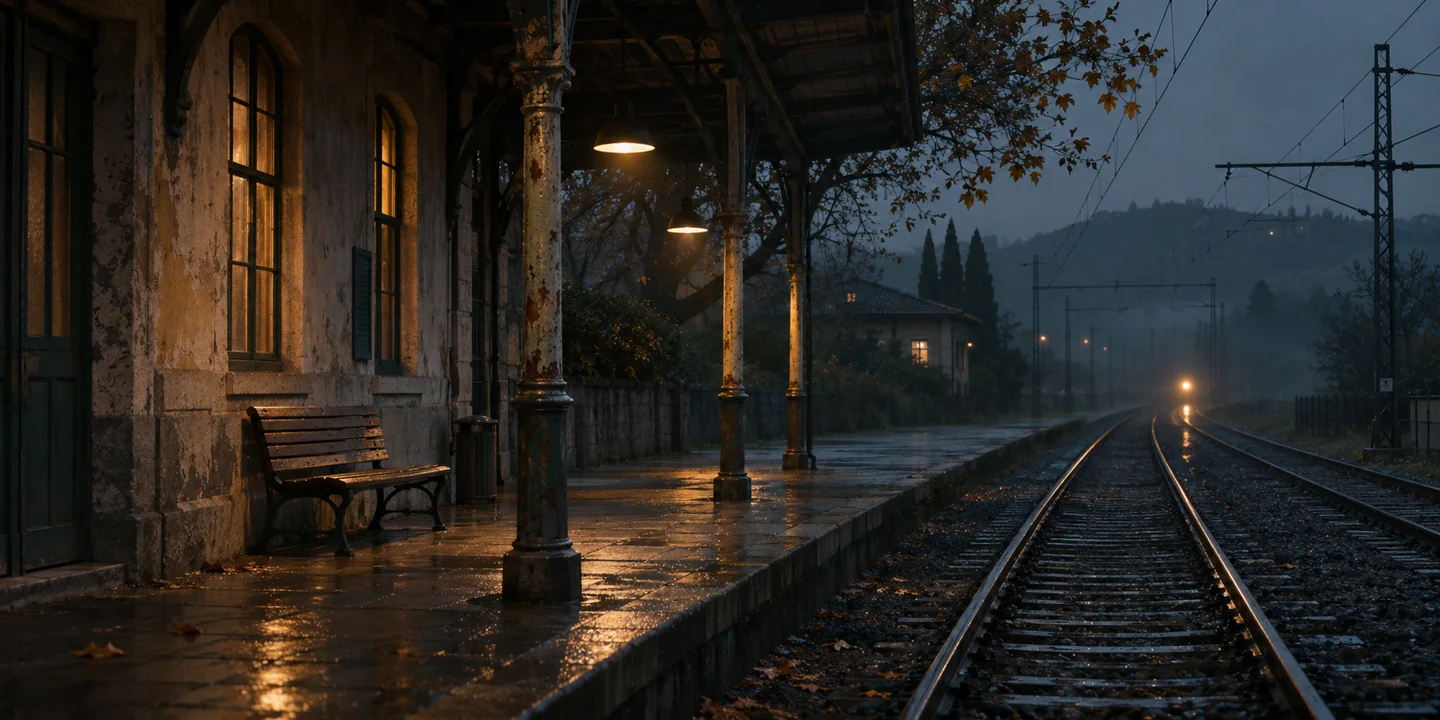
Where do I put my first two markers?
Watch the scene once in silence. Place marker A where the waiting begins and marker B where the light becomes visible. Write a verb beside B, such as “recognises” or “doubts.” Mute the picture and play your first idea. If it changes emotion sooner than the picture does, make a version with the motif delayed.
How do I calculate a tempo from a scene length?
Count the quarter-note beats between your two chosen downbeats. Multiply that count by 60 and divide by the elapsed seconds. Eight bars of 4/4 contain 32 quarter-note beats. If the second marker lies 26⅔ seconds after the first, 32 × 60 ÷ 26⅔ = 72 BPM. Put bar 1 at the first marker and bar 9 lands on the second.
If the cut is at exactly 25 seconds, the same eight bars imply 76.8 BPM. Try it. If that tempo makes the pad breathe too quickly, keep 72 BPM and let the event land inside a bar, or shorten the phrase. The tempo calculation gives you an option to audition.
How far before or after the picture should a note arrive?
Bounce three short versions between the same edit points. Put the motif on the marker in A, a quarter note before it in B, and a quarter note after it in C. At 72 BPM that shift is about 0.83 seconds, an intentionally obvious listening test. Once you know the direction you prefer, narrow the move to a few frames. Check your timeline frame rate against the editor’s picture.
What if the note still sounds late?
Inspect the printed waveform. A pad with a 600 ms attack can start exactly on the grid while its audible swell peaks well after the cut. Move the MIDI early or shorten the attack. Compare with the full scene playing, where the attack may have to share space with dialogue or a door closing.
Check the final bounce against the editor’s start position, leave any requested handles, and listen once with dialogue at its intended level. Download the MIDI and score the full scene. For a starting sound, the Cinematic Expansion Bundle for Vital includes pad and key colours that suit the exercise.